

openBVE Help and Information
This section of the site is designed to help you get started with the realistic openBVE train simulator in Windows 10 and macOS Mojave (as well as Ubuntu, Windows 7/Vista/XP in the archives), as well as guide you through the installation and first use of the Birmingham Cross-City South route to enable you to start driving. Some parts of this guide are geared towards novice users.
Please select your operating system
The openBVE Help and Information section is split into two sections, depending on what operating system is covered. Please choose the appropriate option from the following list, to be taken to the relevant help pages:
- Windows 10 'Creators Update' (version 1703) →
- macOS 'Mojave' (version 10.14.1) →
- Windows XP, Vista and 7 → (archived)
- Ubuntu 10.10 (Linux) → (archived)
- About openBVE ↓
About openBVE

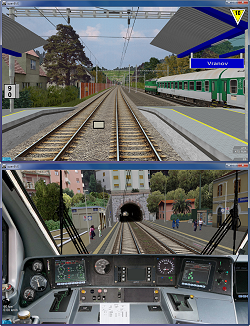 openBVE is a licence free, open source, internationally aware, cross-platform train simulator project written in C#, with an emphasis on in-cab driving, realistic physics, braking system simulation, and security system simulation, which was initiated in April 2008 after the development of BVE Trainsim seemed to have ceased at the time, and an increasing number of compatibility problems were being encountered between BVE Trainsim and then new generation graphics cards, along with incompatibility between BVE Trainsim and Windows Vista. openBVE uses OpenGL and OpenAL for rendering graphics and handling audio respectively, removing the dependency on Windows or versions of DirectX which could be made obsolete in future. openBVE runs on Windows XP, Vista and Windows 7, as well as Linux and Mac OS X.
openBVE is placed in the public domain, which means that it is free of charge, and that any modifications can be made and shared with others.
openBVE offers a platform which provides content developers with new features, such as animated objects, exterior car objects, the ability pan the camera in all directions, 3D animated cabs, and new commands which make add-on development more flexible and convenient. openBVE can also load content from bothBVE Trainsim v2 and v4 with a high degree of compatibility offered. Legacy BVE Trainsim add-on compatibility is also being carried forward to future versions, preserving existing BVE content alongside new openBVE content, well into the future. Current openBVE add-ons will continue to be supported in future versions of openBVE, as well.
openBVE also offers comprehensive and detailed error checking of add-ons as they're parsed and loaded, and extensive documentation also forms an important part of the openBVE project, providing well defined file format specifications, and unambigous syntax descriptions, giving add-on developers every opportunity to eliminate errors and thereby increase the standard and quality of content developed for the program. Developer tools are also provided, in the form of Route Viewer, Object Viewer, Object Bender and Train Editor, each offering functionality suited to the development of the different kinds of openBVE content.
To summarise, openBVE includes features which take it further beyond BVE Trainsim, such as:
- Fully animated 3D cab environment with driver's body/head model and motion simulation, and track inaccuracy suitable for continuous welded and jointed rails
- External camera views
- Exterior car objects for the player's train, and visible preceeding train (with suitably equipped openBVE add-ons)
- 3D object animation and texture shifting, via mathematical functions (on suitably equipped routes and trains)
- 3D positional surround sound
- Enhanced graphics quality, filtering, transparent texture handling, and customisable settings
- The ability to set any arbitrary display resolution, windowed or fullscreen
- Three driving modes to provide differing levels of challenge and driving assistance
- Optional motion blur effects
- More helpful error reporting for add-on developers
- Superelevation with interpolated cant
- Derailments and toppling due to excessive speed through curves
- Simulation of certain atmospheric properties including air resistance and barometric pressure
- Detailed braking system modelling
- Power, braking and forces simulated per car
- Cross-platform .NET assembly/plugins with AI support
- Coupler slack
- Train mass affected by boarding passengers
- Smoothened out turns
- Time acceleration
- An AI driver
- Black box recording and last game review
- The ability to choose any route or train combination before driving
- Multi-lingual interface
- Easy character encoding selection
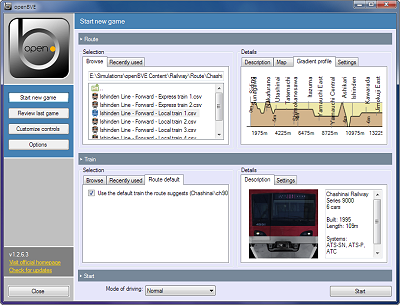
- Route overview via generated map and gradient profile
- Version update checking via the main interface
- In-game debug output for developers and advanced users
- The ability to include text in other randomly selected separate files within a main route file via the $Include directive
- Customisable in-game interface
- Development tools, including Route Viewer, Object Viewer, Object Bender, and Train Editor
- And more...
openBVE is an evolving project, and if we want it to continue evolving, we can participate in it's ongoing development. Please visit the » openBVE Homepage « for more information.
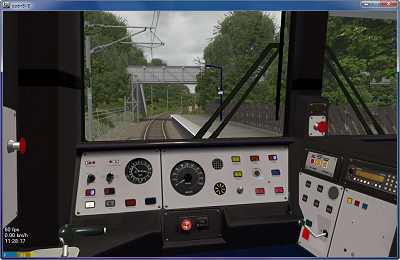
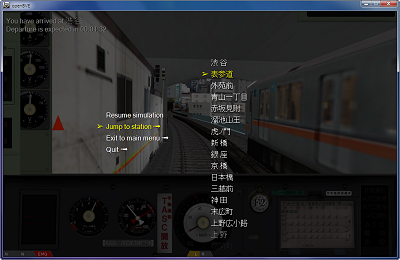
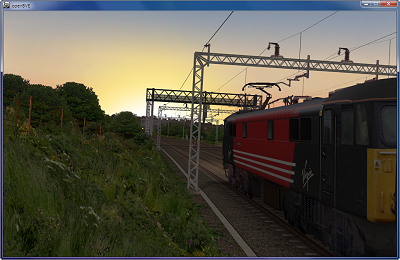
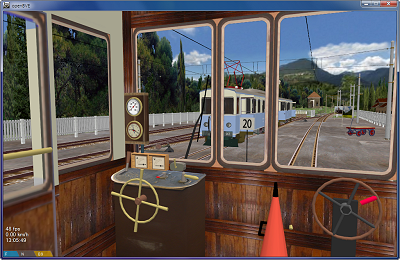
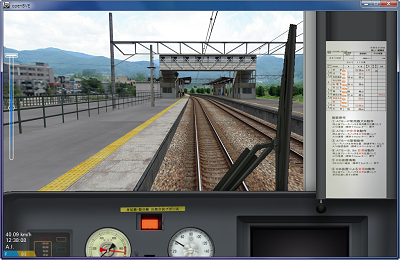
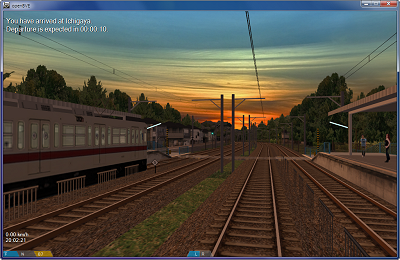
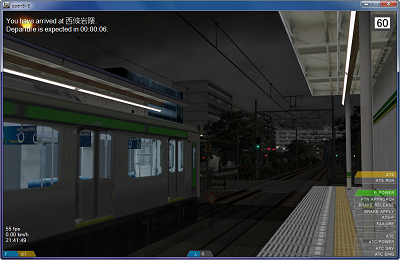
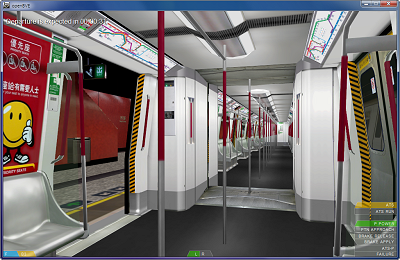
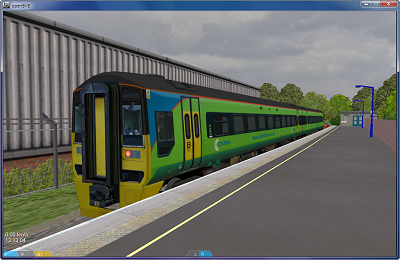
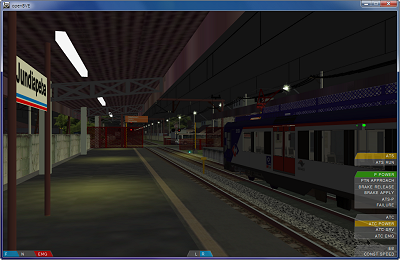
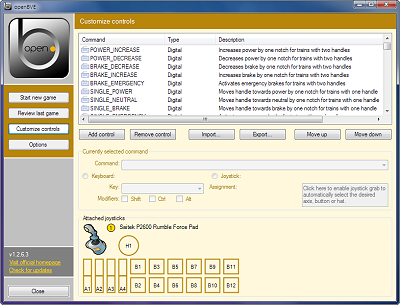
Please hover over the images to read descriptions...
Please select your operating system
The openBVE Help and Information section is split into two sections, depending on what operating system you have installed on your computer. Please choose the appropriate option from the following list, to be taken to the relevant help pages:
- Windows 10 'Creators Update' (version 1703) →
- macOS 'Mojave' (version 10.14.1) →
- Windows XP, Vista and 7 → (archived)
- Ubuntu 10.10 (Linux) → (archived)
- About openBVE ↑